Shift scheduling for hotels · Mishmarotix
Hotel shift scheduling: 24/7 reception, housekeeping to occupancy, kitchen and restaurant, separate departments and a multilingual team, from the phone.
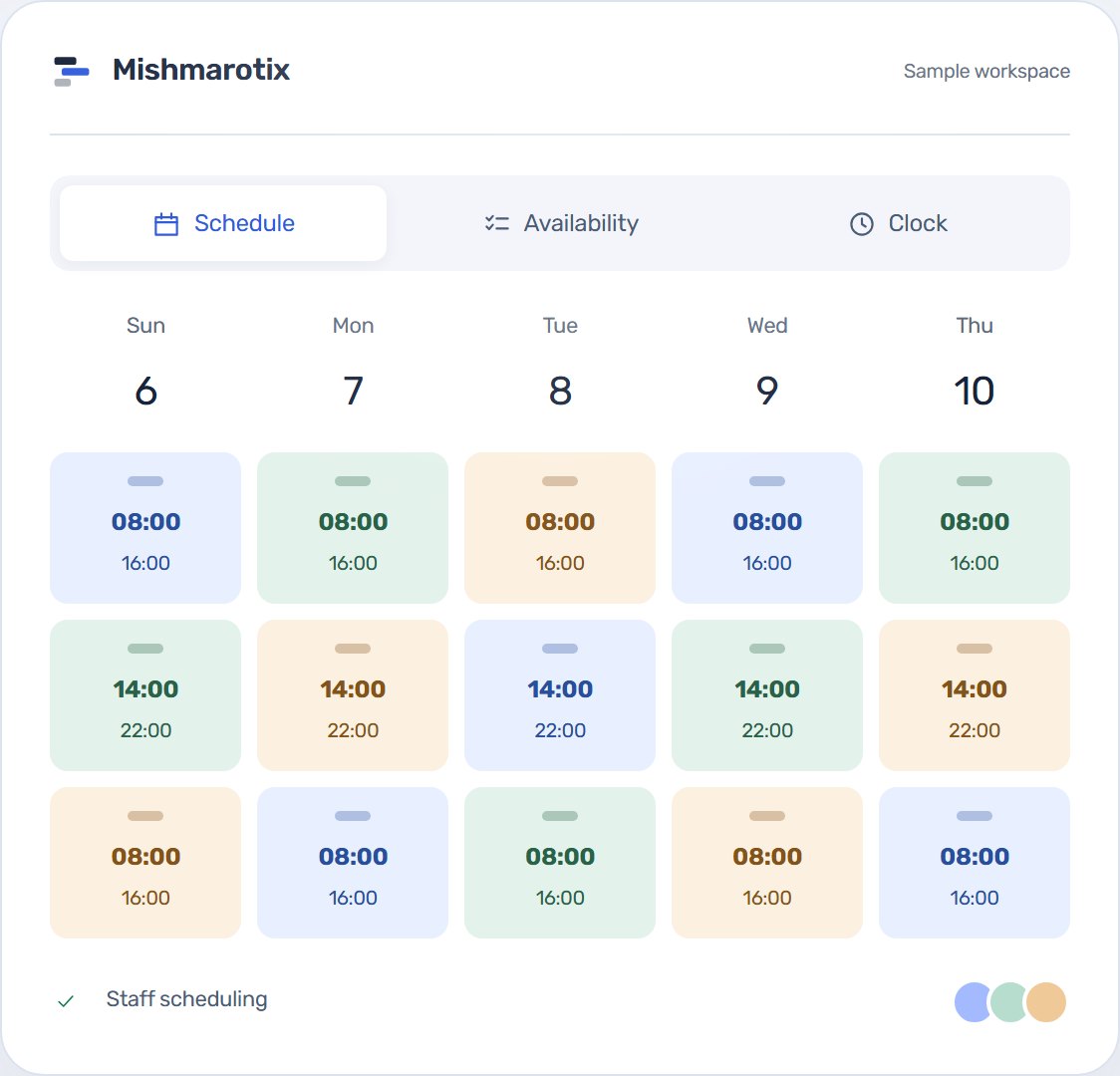
Reception around the clock, housekeeping that works to occupancy, a kitchen and restaurant, and departments each run on their own. One rota for the whole hotel, from the phone.
Each department with its own rota
A hotel runs several teams at different paces: a reception that never closes, housekeeping whose workload follows check-outs, a kitchen and restaurant that work to meals, and maintenance. Each department has its own rota and its own manager, and the hotel management sees them all.
Occupancy changes, so does headcount
With the Staffing demand and counters package you set how many people each role needs each day, and every cell of the rota shows assigned against required. On a full weekend you see in advance where you are short, not on the morning itself.
Reception around the clock
While you assign, the product warns about too little rest between shifts, overlaps and going over the hours cap, and night shifts are marked separately. Shift handover can be switched on in settings, so what happened overnight is written for the morning team rather than kept in the head of whoever went home.
A team that speaks several languages
The interface is in Hebrew, English, Arabic and Russian, and each person picks their own. Availability, leave requests and swaps happen from the phone, with no app to install.
Ready on the first day
- The trade starts as hospitality: restaurant and kitchen roles are ready, and roles such as reception, housekeeping and maintenance take a minute to add.
- Time clock, swaps and time off are on; the tips module for the restaurant and bar is an add-on package.
- Several hotels on one account: each hotel is a site, and staff can belong to more than one.
Packages worth a look
Some of what this page describes is an add-on package. Each one can be added at any time from the billing screen, and removed just as easily.
- Staffing demand and counters: How many people each job function needs each day, assigned against required in every cell, and a demand forecast from takings.
- Smart auto-fill: Builds the schedule from availability, balances hours and respects rest rules.
- Multi-site: Run many sites and lend staff between them.
- Clock-in station: One shared tablet at the door: staff key a personal code and clock themselves in — no personal phone, no queue at the office.
- Tips module: Tip pool, points/hours distribution and a private statement per employee.
- Availability by shift type: A morning/evening/night grid against the week, and the whole team's availability in one picture with a count per day.
Can we run several hotels?
Yes. Each hotel is a site with its own rota. One site is included and each additional one is bought separately.
Does housekeeping staff need a smartphone?
Not necessarily. With a shared clock-in station they clock in on one tablet at the staff entrance with a personal code.
How do we know how many people to schedule each day?
With the Staffing demand and counters package you set what each role needs each day, and the rota shows assigned against required.