Staff scheduling for events and catering · Mishmarotix
Events and catering scheduling: staff every event through open shifts, casual crew availability, late-night overtime and tip splitting.
A crew that changes from event to event, casual staff, long nights and tips to split. Every event staffed on time, without dozens of messages in the group.
Staffing an event without a round of calls
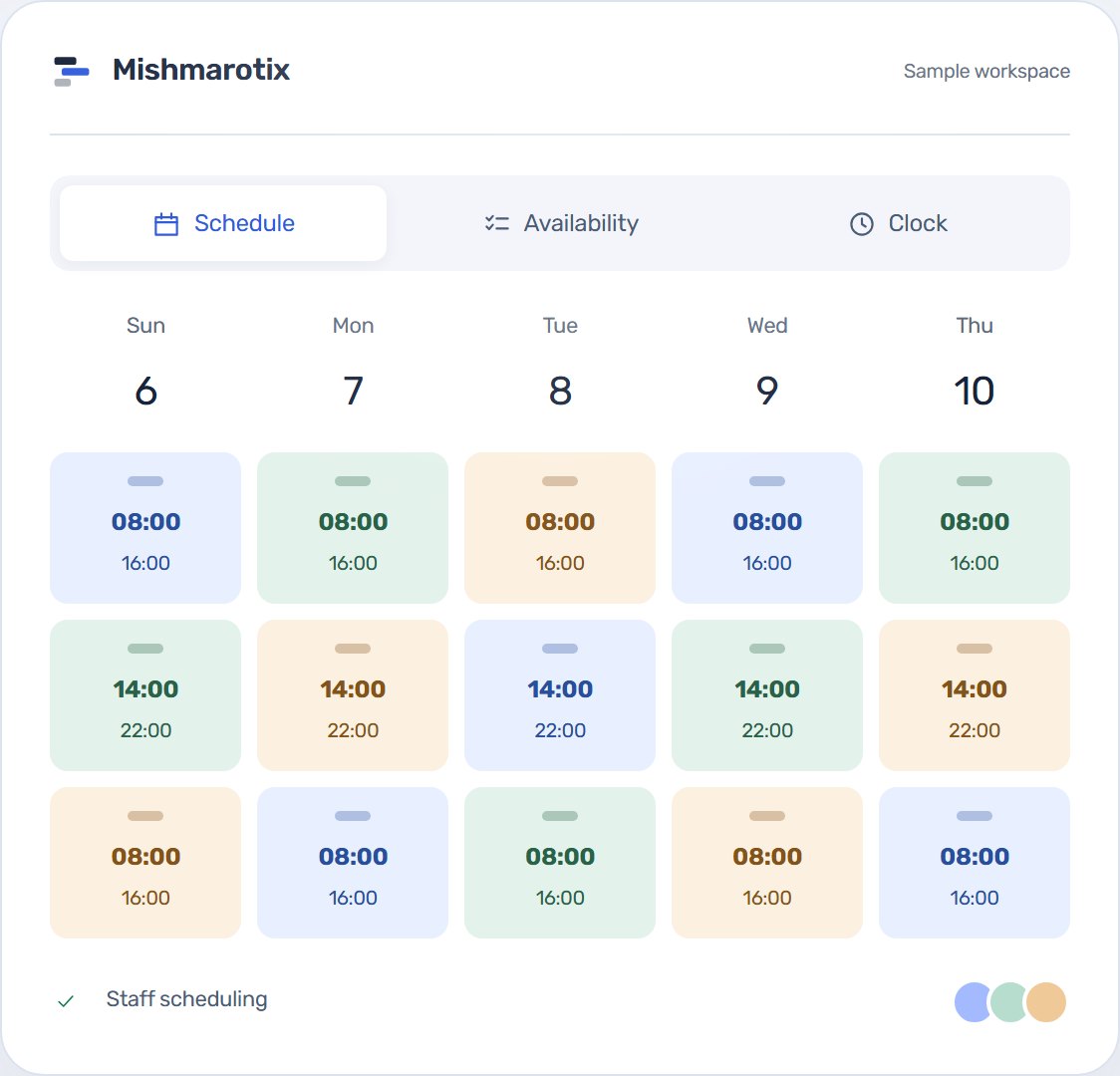
Each event is a set of shifts with a date, hours and role: servers, bartenders, cooks and an event lead. A shift not yet filled is published to the whole team as an open shift, and whoever is free asks for it from their phone. You approve, and the event is staffed.
Availability from a casual crew
Event staff are mostly students and part-timers. They submit availability from their phone, including how many shifts they want, and before each event you see who can come. With the Availability by shift type package you see the whole crew in one picture.
Long nights and overtime
An event that ends at two in the morning is overtime. Hours reports separate regular hours from hours at 125% and 150% from the actual punches, and for a quick figure for one shift there is an overtime calculator.
Splitting the tips
With the tips module you enter the event’s tips and the split is worked out by hours, points or equal shares. Everybody sees on their phone what they got and for which hours. Tip splitting: methods and an example.
Ready on the first day
- Job titles ready to use: server, bartender, host, cook, dishwasher and shift lead, each with a starting pay rate and tip points.
- Time clock, swaps, open shifts and time off are on.
- The interface in Hebrew, English, Arabic and Russian.
Packages worth a look
Some of what this page describes is an add-on package. Each one can be added at any time from the billing screen, and removed just as easily.
- Tips module: Tip pool, points/hours distribution and a private statement per employee.
- Availability by shift type: A morning/evening/night grid against the week, and the whole team's availability in one picture with a count per day.
- Smart auto-fill: Builds the schedule from availability, balances hours and respects rest rules.
- Staffing demand and counters: How many people each job function needs each day, assigned against required in every cell, and a demand forecast from takings.
- Time clock + geofence: Punch with location verification, deviation flags and manager approval.
- Payroll export: Ready-to-import files for common payroll systems.
Can we run several events on the same day?
Yes. Each event is its own set of shifts, and every hall or regular venue can be set up as a site.
Does a casual worker need to install an app?
No. They join with an invite code and sign in from the phone’s browser.
How are an event’s tips split?
With the tips module, by hours, points or equal shares, and everybody sees their own share.