Choosing a time clock app · Mishmarotix
Phone, shared station or biometric: the differences, what the law asks you to record, and six questions to ask before choosing a time clock.
Clocking in from a phone, from a shared station or on a biometric device: the differences, what the law asks you to keep, and what to check before you choose.
Three ways to clock in
- From the employee’s phone: no device needed, and the location can be checked as they clock in. Suits businesses with several sites or people in the field.
- From a shared station at the entrance: one tablet where each person clocks in with a personal code. Suits a warehouse, kitchen or factory where not everybody carries a phone while working.
- On a biometric device such as a fingerprint reader: hard to cheat, but biometric data is especially sensitive, and it is worth checking your obligations under privacy law before installing one.
What the law asks
Under Amendment 24 to Israel’s Wage Protection Law, an employer keeps an ongoing record of hours actually worked, including overtime and rest-day work. When the record is kept by mechanical or digital means, a daily signature from the employee is not required. The page on attendance records and Amendment 24 explains it in full.
What to check before choosing
- Is clocking tied to the rota, so you see planned against actual rather than a list of times?
- What happens when somebody forgets to clock? A missing punch should be flagged for review, not disappear.
- Is every correction kept with who made it and why?
- Can a month sent to payroll be locked, so the figures do not change afterwards?
- Does the report separate regular hours, overtime and rest-day work?
- Can the hours go to your payroll software without being typed in again?
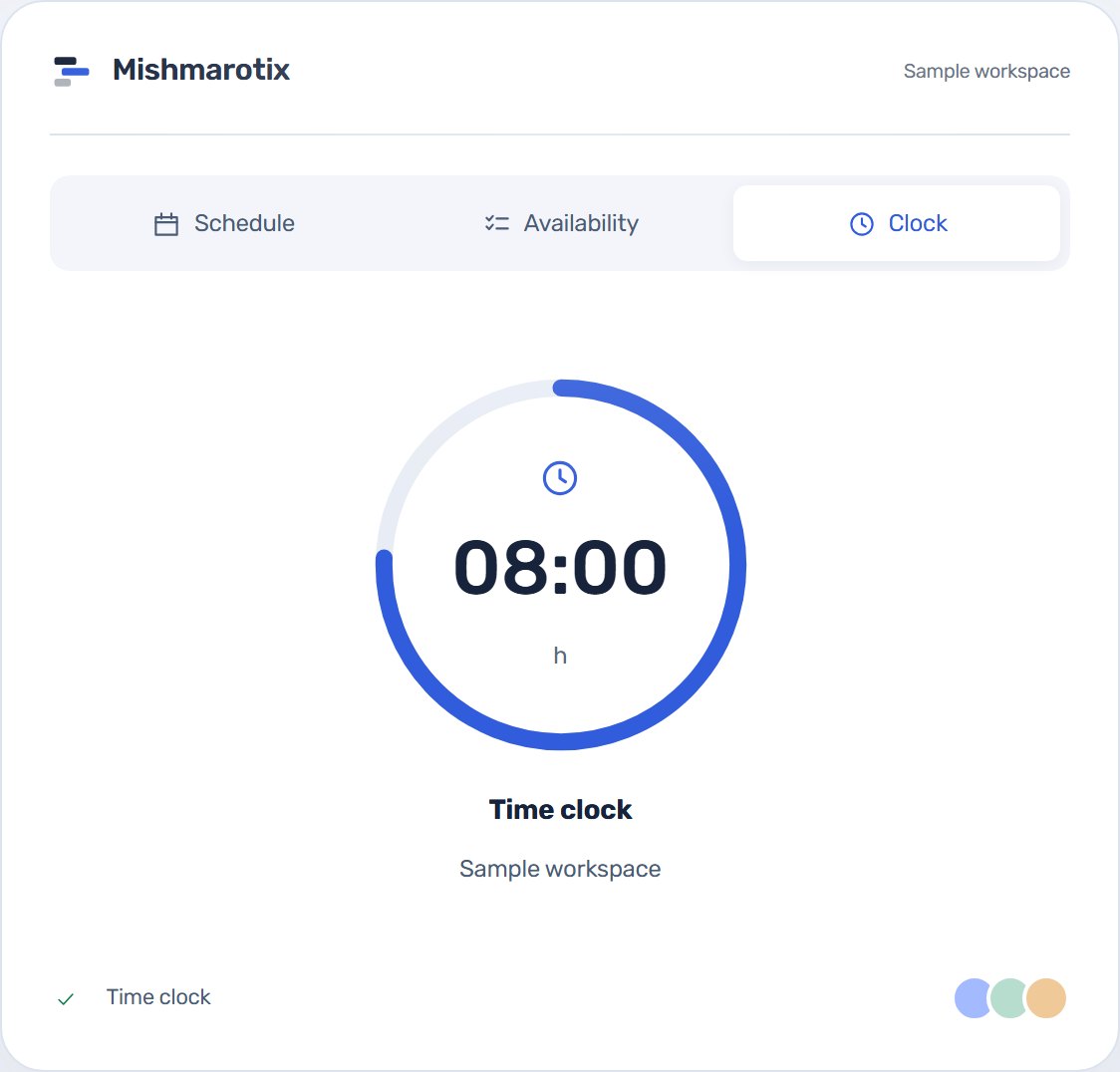
In Mishmarotix
Clocking from the phone is tied to the shift and the site, and the location check is set per site. A shared clock-in station is an add-on package. Missing and unusual punches are flagged for review, every correction is kept, and the month is locked once checked.