What it does
Automatic scheduling fills open shifts from the availability staff have submitted. It does not invent shifts: it goes through the shifts already set up for the week that have nobody in them yet, and looks for a suitable person for each.
What is checked before each assignment
- That the person said they are available on that day and at that part of the day.
- That they have no approved leave on that date.
- That the shift does not overlap another of theirs.
- That there is enough rest between it and their previous and next shifts.
- That hours are shared fairly, so the same person does not get every shift because they are always free.
What it leaves alone
A shift that already has somebody in it stays as it is, and so does a locked shift. Automatic scheduling completes what is missing; it does not rearrange what a manager has already decided.
Why the result is a draft
An algorithm knows only what it is told. It does not know that two people should not work together, that tomorrow is a big event, or that a new starter needs a shift alongside somebody experienced. So whatever is built automatically stays a draft: the manager goes through it, changes what needs changing, and publishes when ready.
In practice it turns an hour of assigning into a few minutes of checking.
In Mishmarotix
Automatic scheduling is an add-on package called Smart auto-fill. It is bought once and stays on the account. The price is on the pricing page, and the rest of scheduling is on the shift scheduling page.
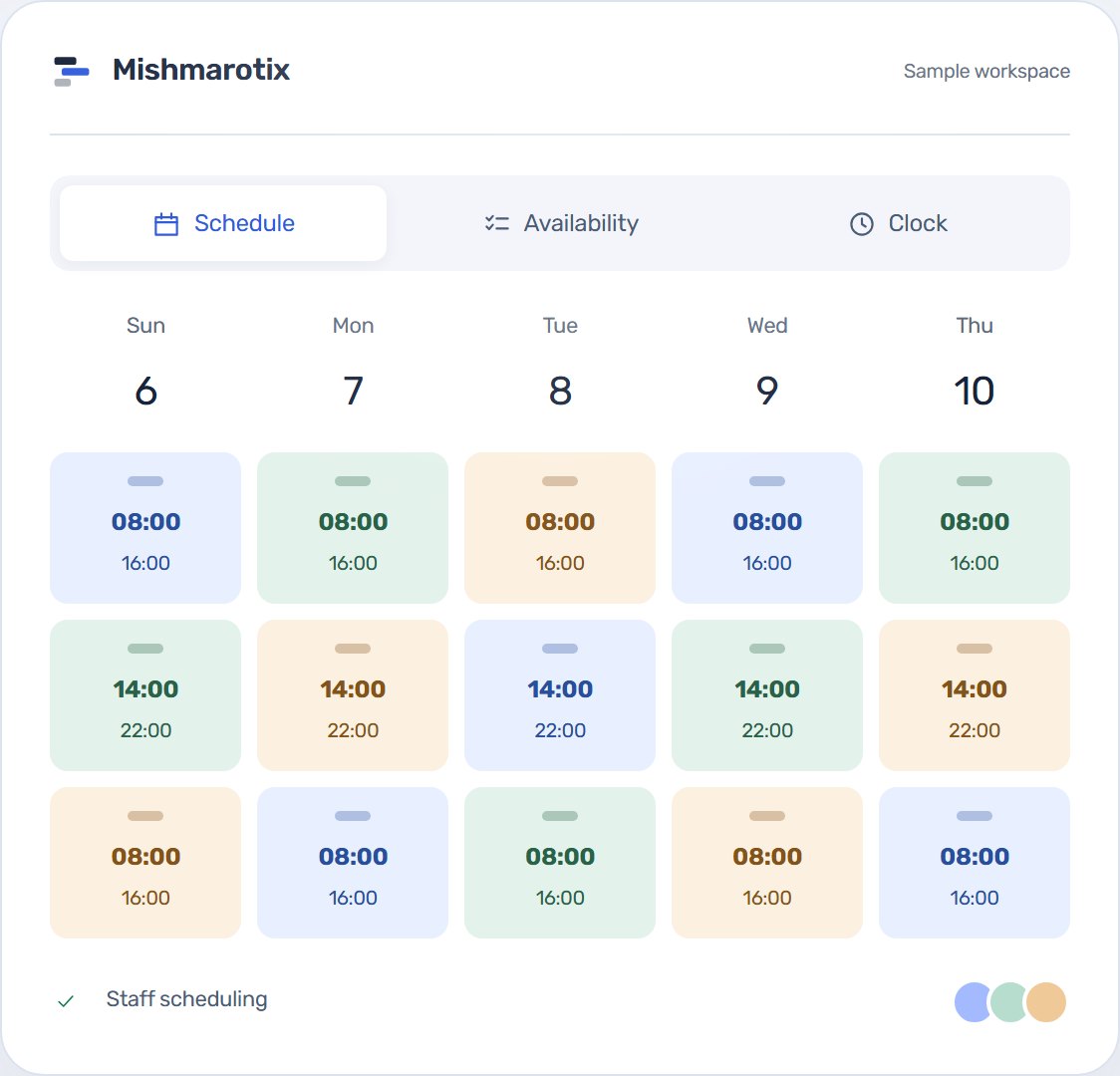
How the person for each shift is chosen
For every open shift the system ranks all active employees. Someone set up for the shift's role comes first, and so does someone who marked the day as preferred rather than merely possible, and someone assigned to the site where the shift takes place.
Between two people who fit equally well, the one with fewer hours that week goes first. That spreads the hours, so the person who is always available does not end up with the whole week. Someone with a weekly minimum of shifts they have not reached yet gets an extra push.
The hardest shifts first
Order matters. Fill the week from Sunday morning onwards and the only person who can work Thursday night may already be used on Monday, leaving the night empty. So the shifts with the fewest suitable candidates are staffed first, and only then the ones almost anybody could take.
What is never broken, and what is only weighed
Some rules the automatic scheduler never crosses: a person who said they are unavailable, a person on approved leave, a shift that overlaps another of theirs, and a role that needs a certificate the person does not hold or that has expired.
Others are a consideration rather than a block: less rest than the company's minimum, going over the weekly hours or shifts limit, working outside one's own role or site, a night shift longer than allowed, and going over the weekly hours budget if one is set. They push a person down the ranking, so they are placed only when nobody fits better.
No. It fills only shifts with nobody in them that are not locked. Whatever is already assigned stays as it is.
The shift stays open. An empty shift you can see is better than an assignment that overrides leave or unavailability.
They can still be placed, but after the people who submitted and said they are available. It is worth sending a reminder before running the scheduler.
Yes. The result is a draft: move, swap and delete as in any rota, and only publishing sends it to the team.