1. Start from what the business needs, not from who is free
Before placing people, write down how many are needed on each shift and in which role: two servers and a host in the evening, one guard at every post, three pickers in the morning. That is the skeleton. Without it the rota is built around whoever answered the group chat first, and the gaps show up on the day.
2. Collect availability with a deadline
Set a fixed time when availability for next week closes — Wednesday at noon, say — and ask everyone to mark which days and which parts of the day they can work, and the most shifts they want. Availability that arrives in private messages over the week is availability some of which gets lost.
3. Write the constraints down before assigning
Enough rest between shifts, a weekly hours cap, leave already approved, and the qualifications a role requires. With the constraints written down, every assignment can be checked against them as it is made, instead of the problem turning up on a payslip.
4. Share the hard shifts fairly
Nights, weekends and holidays are the shifts everyone remembers who got. Rotate them and keep track of how many each person did last month. A rota that looks fair is a rota fewer people ask to change.
5. Publish early, once
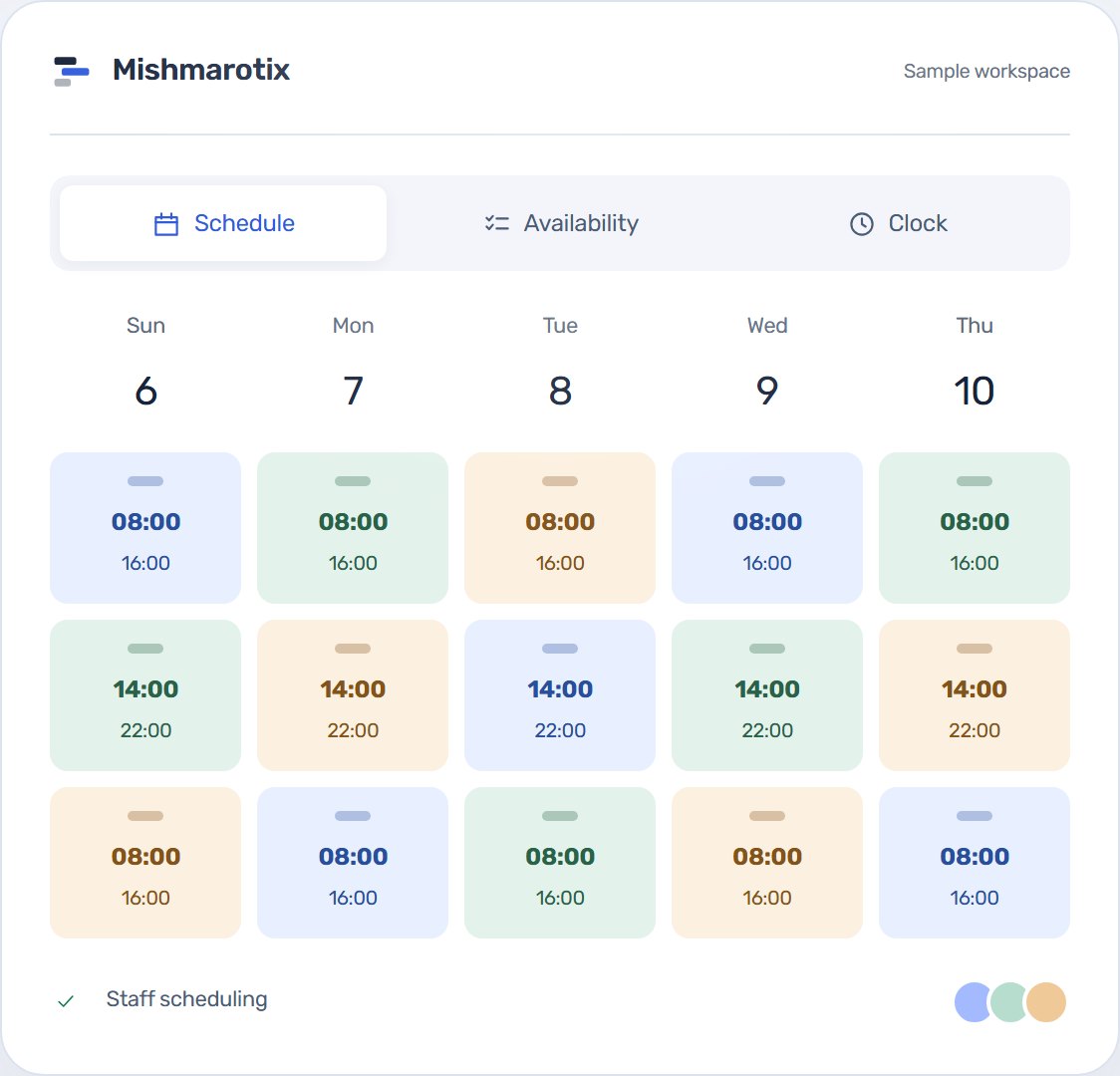
Build the rota as a draft and publish it when it is finished, ideally a few days before the week starts. One tidy publication is better than ten small updates, each arriving as a message and each confusing.
6. Swaps go through approval
Life happens and people will swap shifts. What matters is that a swap goes through a request and an approval and is recorded, so it is always clear who is meant to turn up. A shift left open is published to the whole team, and whoever is free asks for it.
7. Compare the plan with what happened
At the end of the month, compare the rota with the hours actually recorded: where you were short, where you had too many, and who worked more than planned. That is what makes next month’s rota better than this one. For hours beyond the ordinary there is an overtime calculator.
Instead of a spreadsheet and a group chat
All of this can be done in a spreadsheet and a WhatsApp group, and that is how most businesses start. Scheduling software does the same without the copying: staff submit availability from their phone, constraints are checked as you assign, the rota reaches everyone at once, and swaps go through approval. With automatic scheduling, open shifts even fill themselves from availability, and stay a draft until you have checked them. Not ready to move yet? Start from the free rota template.
There is no single right day. What matters is a fixed one, early enough before the week starts for people to plan and ask for swaps — for example Wednesday for a week that starts on Sunday.
A fixed deadline a day or two before publishing gives you time to build without chasing answers. In Mishmarotix the deadline is set once, and a reminder can be sent to whoever has not submitted yet.
Write down who worked weekends, nights and holidays, and rotate. Once it is written down nobody has to remember who "already did theirs", and it is harder to claim the split is unfair.
Post the shift as open to everyone suited to it instead of phoning people one by one. Whoever is free asks for it, and the manager approves.